
Samsung Keys Cafe
Screenshots
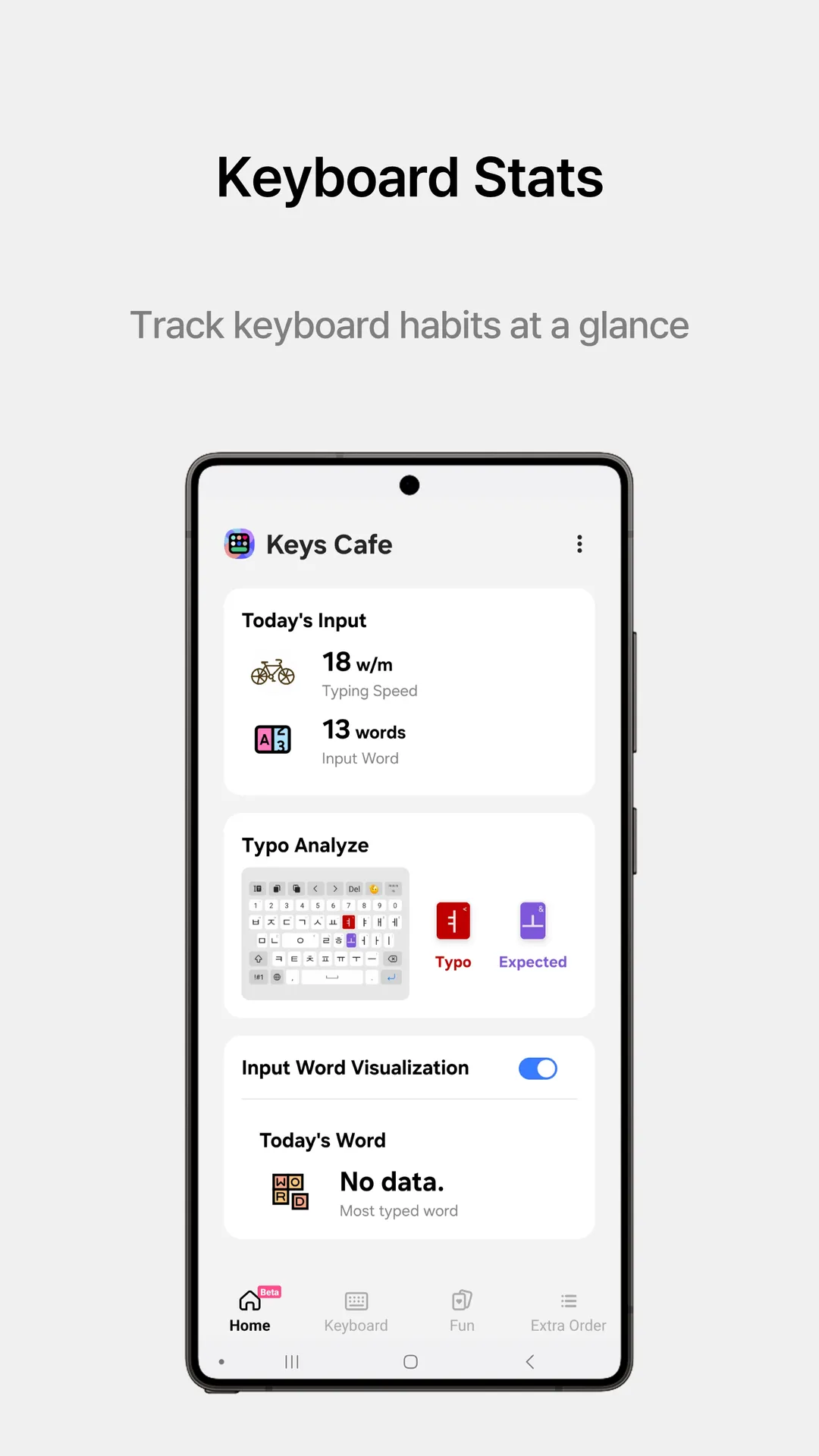
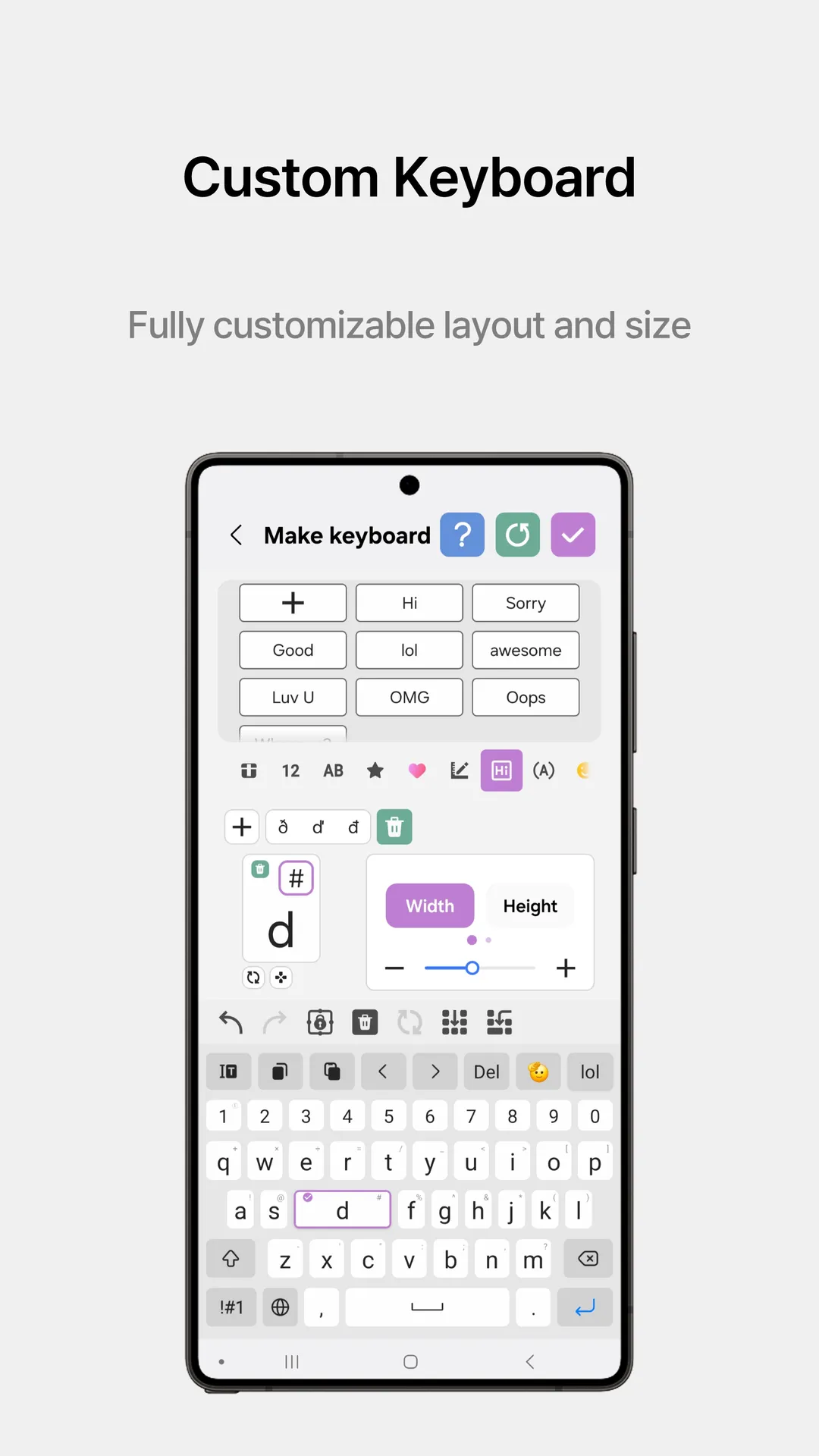
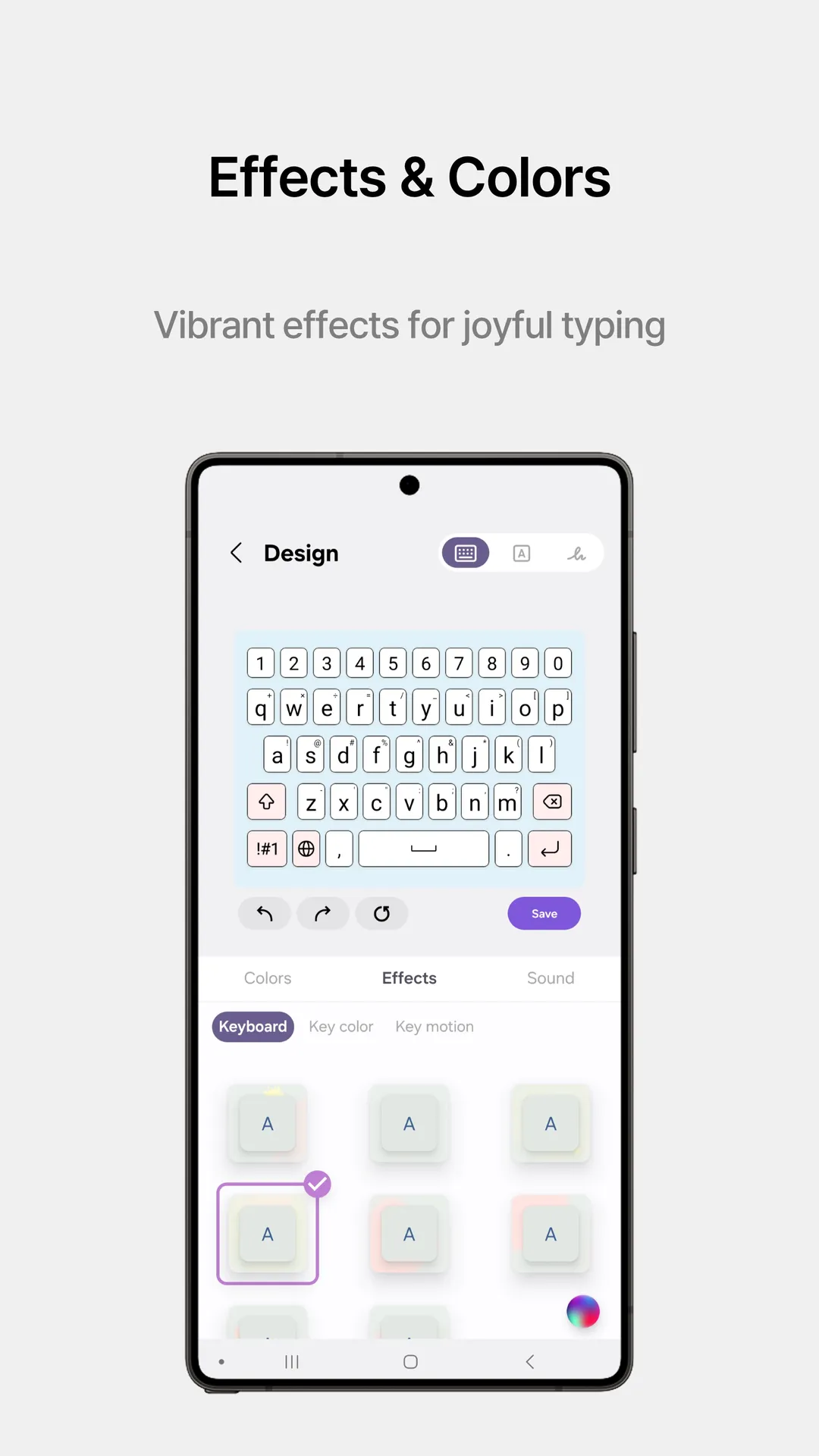
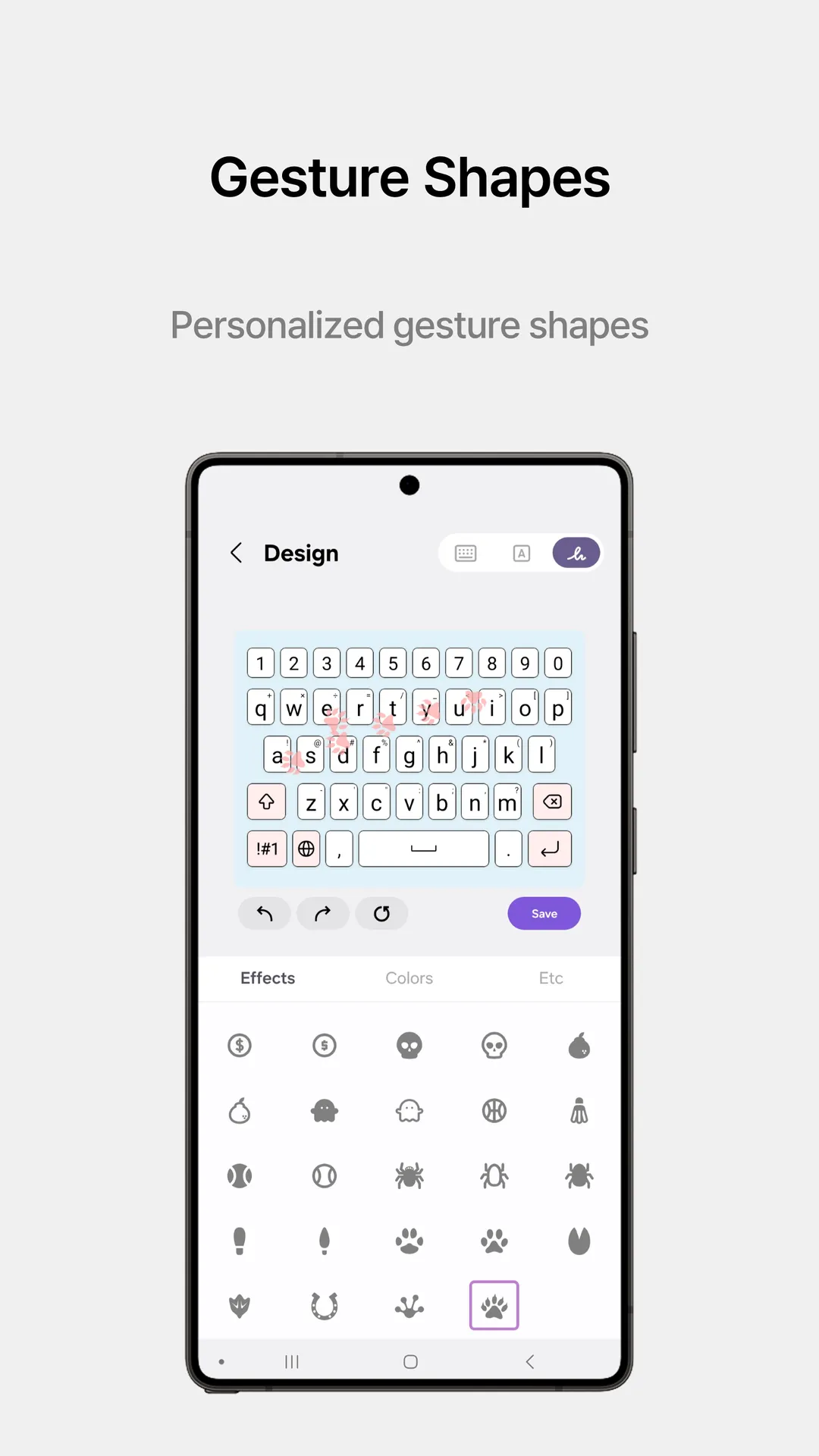
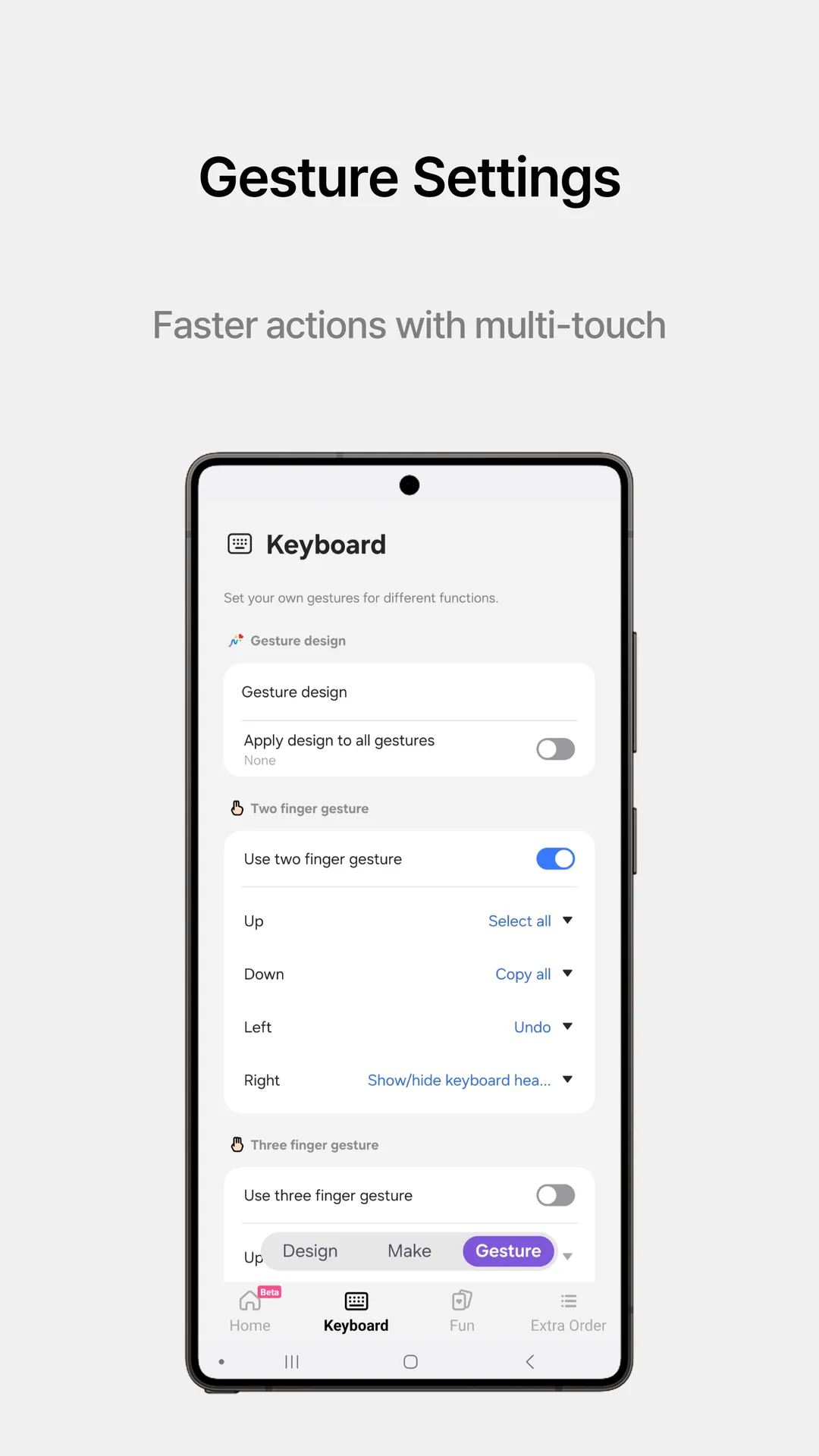
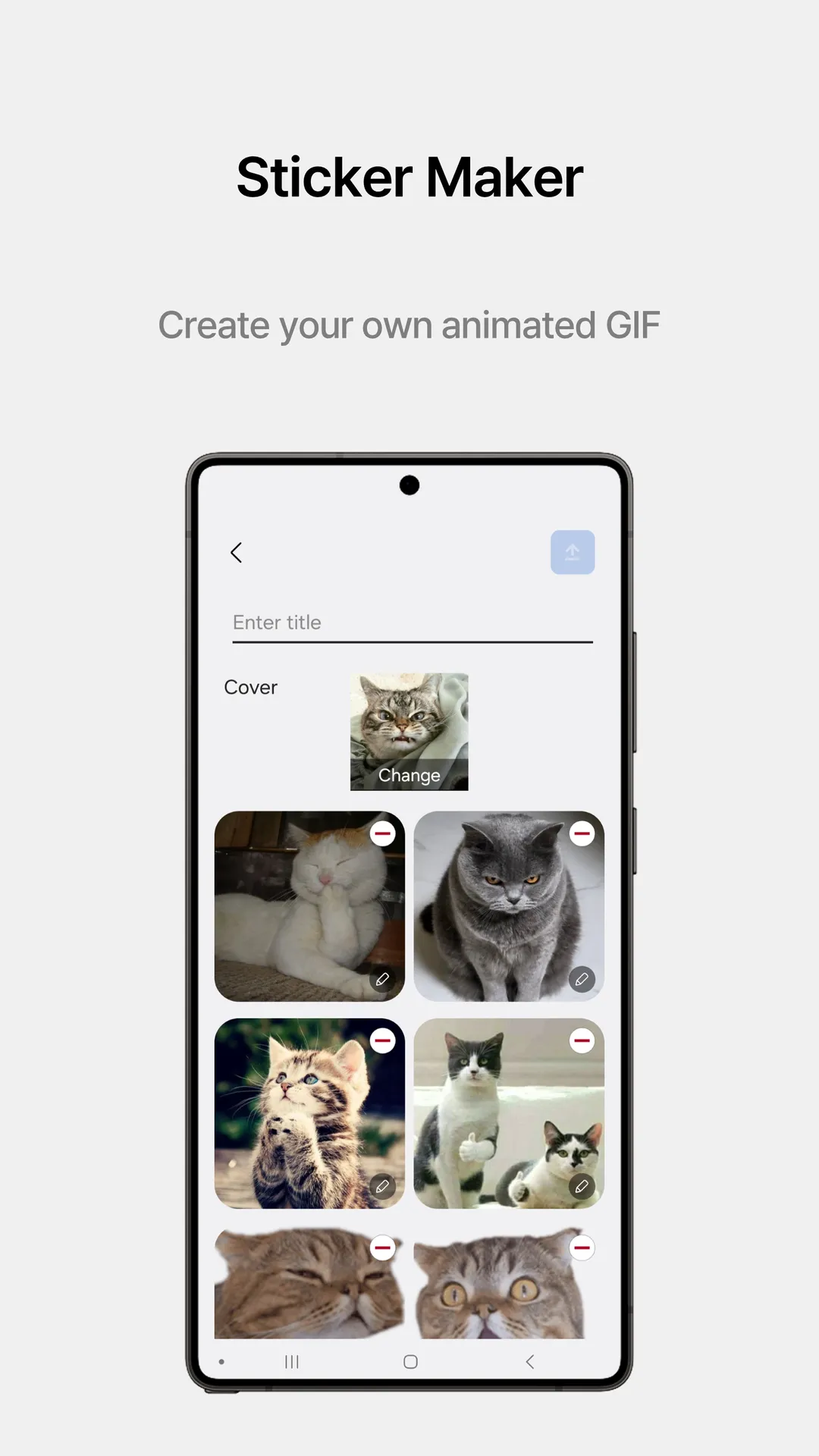
Samsung Keys Cafe opens up a whole new world of keyboard customization. You can change almost everything on your stock keyboard. Many smartphone users want to personalize their typing experience. Therefore, Samsung created this extension to satisfy that exact demand. You can change everything from key colors to touch effects.
Moreover, the app integrates smoothly with your existing keyboard setup. You do not need to install a whole new third-party keyboard. Instead, you just enhance the official one you already use. This article provides a comprehensive overview of how this tool can transform your daily typing tasks. We will explain how to install the APK safely and quickly.
You can download the APK file directly to your smartphone. Then, you can unlock features that are usually hidden from standard users. Many people enjoy changing the themes of their devices frequently. However, they often forget about the keyboard itself. This tool changes that habit completely. It turns typing into a fun, interactive event of colors and sounds. Let us explore what makes this option so popular among Samsung enthusiasts worldwide.
What Is Samsung Keys Cafe?
Samsung Keys Cafe is an official plugin developed by Samsung for its customization ecosystem. It belongs to a larger family of tools known as Good Lock. First, you must understand that this app requires a compatible Samsung device. It allows you to remap keys and assign new functions to specific buttons. Consequently, your typing speed can increase because the layout matches your exact physical preferences.
You can also adjust the width and height of individual keys. This option helps people who frequently press the wrong buttons while typing messages. For instance, you can make the spacebar wider or move the backspace key closer. Moreover, you can create a layout that fits your unique thumb reach perfectly. The software gives you ultimate control over your layout geometry.
Additionally, this tool handles more than just simple aesthetic adjustments. It allows users to insert custom symbols and emoticons directly into the primary layout. Therefore, you do not have to switch menus constantly to find your favorite icons. You can place them exactly where your fingers naturally rest. This clever design saves time during long texting sessions.
Below, you can see how the interface organizes these layout adjustments, theme choices, and advanced emoticon settings.
Key Features of This Customization Tool
This customization tool offers several unique features that regular keyboards lack completely. First, the advanced layout editor lets you redesign the entire key mapping from scratch. You can delete keys you never use and replace them with useful shortcuts. Second, the dynamic theme creator allows you to pick specific colors for every state of a key. For example, a key can change color when you press down on it.
Here is a list of the main features you can enjoy:
- Custom key mapping for all symbols and characters.
- Dynamic touch effects with custom neon styles.
- Adjustable keyboard sizes for single-handed use.
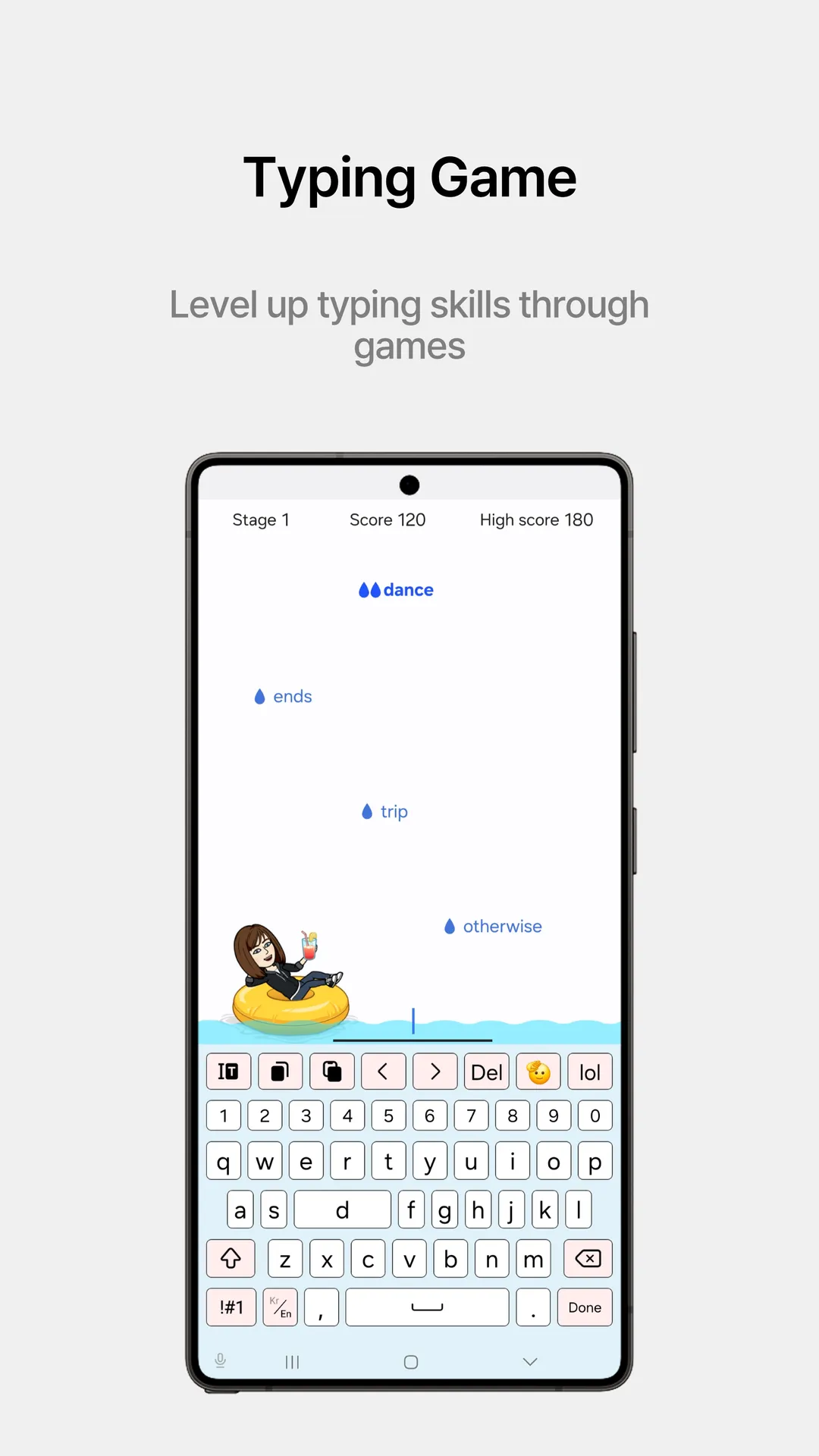
- Fun typing games to test your speed.
- Custom sound profiles for every single keystroke.
Furthermore, the interactive games included in the app help you practice your accuracy. You can compete against your own high scores while learning the new layout. This feature makes the adjustment period highly entertaining for younger users. Finally, you can save multiple custom profiles. Then, you can switch between them depending on your current task or mood.
How to Install Samsung Keys Cafe via APK
Installing Samsung Keys Cafe via an APK file is a straightforward process if you follow correct instructions. First, you need to download the correct file from a trusted online platform. Make sure the file version matches your current operating system requirements. Then, you must enable the installation of files from unknown sources in your device settings. This security step allows your smartphone to process files outside the official store.
Once you grant the necessary permissions, locate the downloaded file in your file manager folder. Tap on the file to begin the setup process immediately. The installation usually takes less than a minute on modern devices. After that, you need to open the app to configure your initial settings. However, remember that you might need the companion Good Lock app to activate it properly.
If you encounter an error during setup, check your device compatibility again. Sometimes, older software versions do not support the latest customization modules. Therefore, updating your main system software can resolve most installation problems instantly. Once everything is active, you can launch the custom editor right away. You will notice the changes immediately on your screen.
Make Your Keyboard Unique with Special Themes
Creating special themes is arguably the most exciting part of this customization experience. You can choose from pre-made color palettes if you want a quick change. Alternatively, you can mix and match individual colors to build a personalized masterpiece. The app offers a wide spectrum of shades for backgrounds, keycaps, and text fonts. Thus, your phone will look completely different from anyone else’s device.
Moreover, the live motion effects add a futuristic feel to your daily typing routine. When you type, waves of color can ripple across the entire keyboard grid. You can choose subtle animations or bright neon options depending on your taste. These effects react instantly to your touch speed. Consequently, fast typists can enjoy a beautiful, synchronized light show right under their fingertips.
Pro Tip: Try matching your keyboard color effects with your system wallpaper for a uniform look.
In addition to visual themes, you can modify the auditory feedback of your keyboard. The app lets you replace standard click sounds with retro typewriter noises or musical notes. You can even choose soft woodblock sounds for a more calming typing environment. These small details combine to create a deeply satisfying sensory experience every day.
Why Choose Samsung Keys Cafe for Your Device
You should choose Samsung Keys Cafe because it offers deeper customization than generic keyboard options. Most third-party alternatives collect your personal data and tracking information. However, this official module protects your privacy while offering superior customization features. It runs natively on your system framework. Therefore, it does not drain your battery or lag during intense typing sessions.
Another major reason to choose this tool is its seamless integration with system dark mode. The keyboard changes its color profile automatically when your phone switches to night mode. This feature protects your eyes from sudden bright glare in dark rooms. Furthermore, the tool receives regular updates to maintain stability and performance. You get premium features without paying any hidden subscription fees.
Finally, the app supports multiple languages and layout variants perfectly. Whether you use QWERTY, AZERTY, or specialized symbol layouts, the tool adapts without errors. You can modify language switching buttons to make transitions smoother during bilingual conversations. This flexibility makes the tool highly reliable for global users who need to type in different tongues daily.
Tips to Improve Your Typing Experience
To get the most out of your new layout, start by making small adjustments first. Do not rearrange every single key on your first day. Instead, move one or two frequent symbols to more convenient locations. Then, practice typing short paragraphs to build muscle memory for the new positions. This gradual approach prevents frustration and helps you adapt much faster.
Secondly, utilize the height adjustment settings to reduce wrist strain over time. A taller keyboard layout can prevent accidental inputs if you have larger hands. Conversely, a compact layout works wonders for quick one-handed typing on larger screens. Experiment with different dimensions for a few days. Eventually, you will find the sweet spot that maximizes your comfort.
Here are some helpful tips to remember:
- Keep the spacebar large for easy thumb access.
- Place common punctuation marks on the main screen layout.
- Use subtle animation effects to avoid visual distraction while working.
- Test your custom configurations using the built-in typing games.
- Back up your favorite layouts before making major structural changes.
Lastly, do not hesitate to use the custom sound profiles to confirm your inputs. Distinct audio cues can help you realize when you make a typo instantly. This immediate feedback loop allows you to correct mistakes before sending messages. Over time, these combined optimizations will turn you into a highly efficient mobile typist.
Conclusion
In conclusion, Samsung Keys Cafe provides an exceptional way to personalize your smartphone keyboard experience. The app goes far beyond basic color changes by offering complete layout control. You can modify key sizes, map rare symbols, and add beautiful interactive effects easily. Moreover, downloading the APK allows you to unlock these premium customization features safely and quickly.
By following our helpful tips, you can design a layout that boosts your daily typing speed. The combination of custom sounds, themes, and layouts creates an unmatched typing environment. If you want to replace your boring standard keyboard, this tool is the perfect option. Download the file today and start building your ultimate keyboard setup right away.